> ## Documentation Index
> Fetch the complete documentation index at: https://aicofounder.com/docs/llms.txt
> Use this file to discover all available pages before exploring further.
# Collaboration
> Invite team members to your ai cofounder project and work together in real time. Share the same canvas and chat history with full editing access.
Projects can be shared with others so you can work together. Everyone shares the same [canvas](/canvas) and chat history, and changes sync in real-time.
## Inviting people
To invite someone to your project, open the Share menu from the topbar. You'll see two access options:
**Restricted** keeps the project private to existing members only. No one new can join.
**Anyone with the link** generates an invite link you can share. Click Copy link and send it to whoever you want to invite.
When someone opens the invite link, they'll be added to the project automatically. If they don't have an account yet, they'll be prompted to sign up first and then joined to the project.
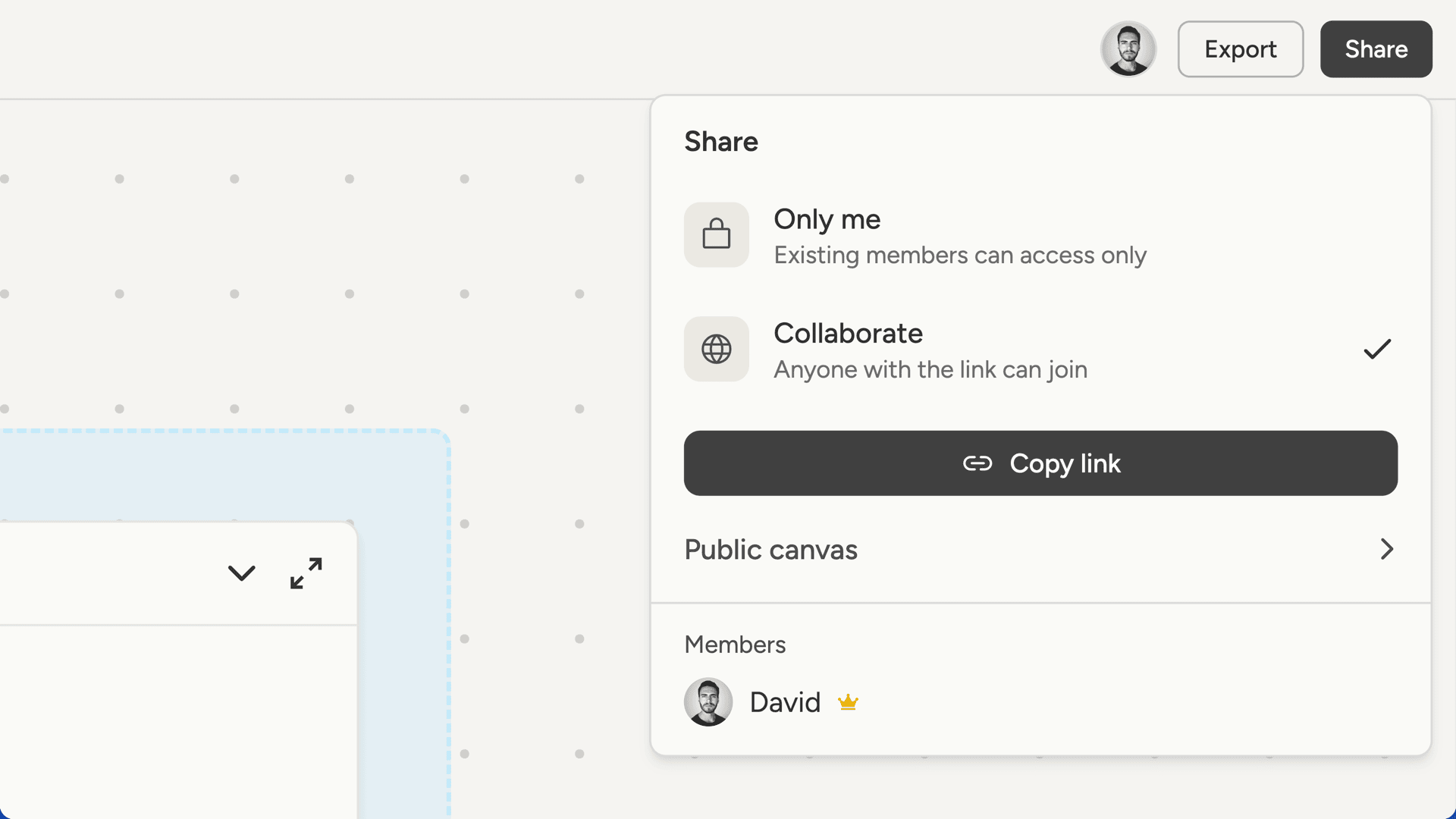 You can switch back to Restricted at any time to disable the invite link. Existing members keep their access, but the old link stops working.
## Working together
Collaboration happens in real-time. When one person adds a document, edits a note, or sends a message, everyone else sees it immediately.
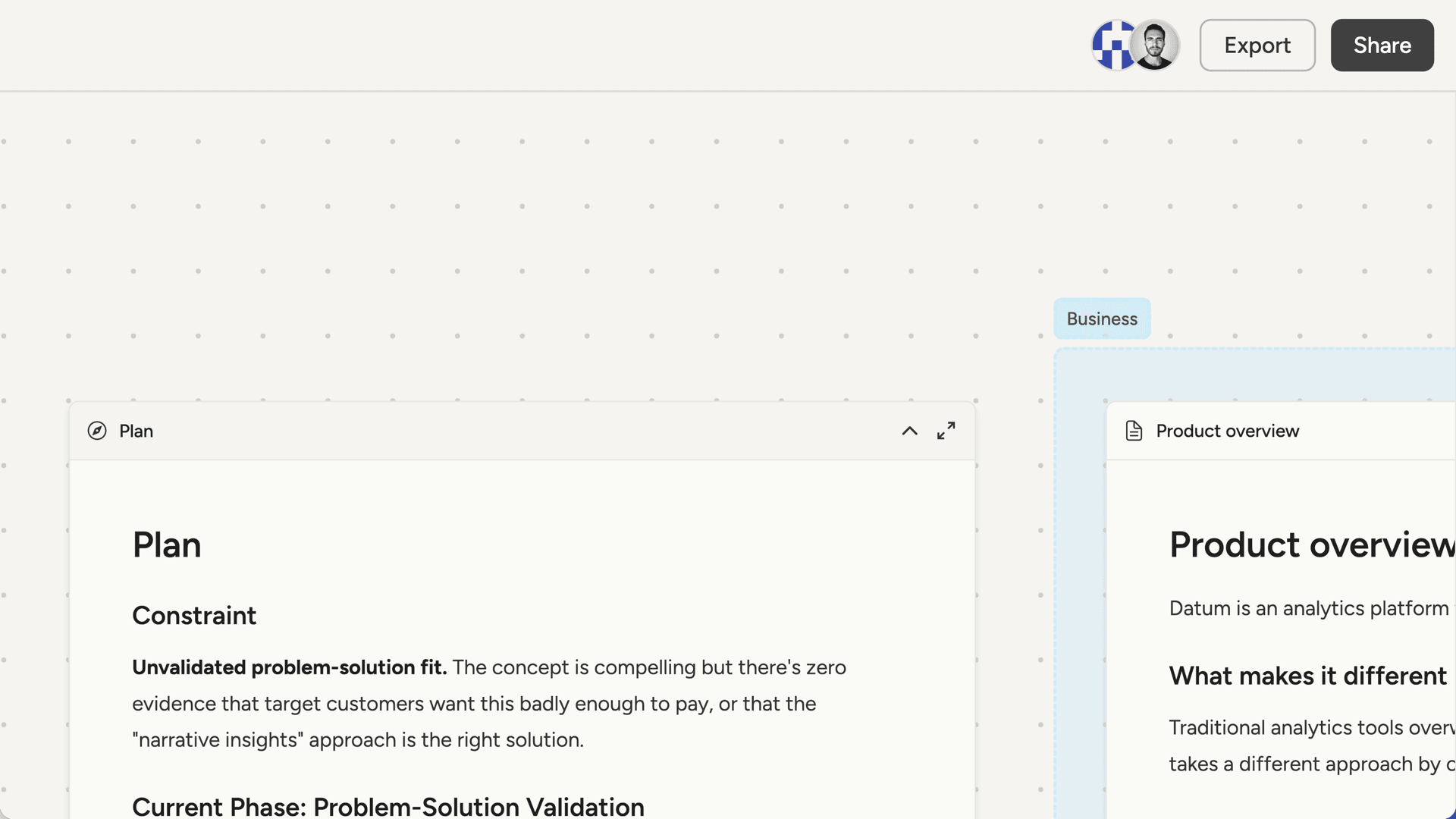
The topbar shows who's currently viewing the project. Each person appears as an avatar, and hovering over one shows their name and email.
You can switch back to Restricted at any time to disable the invite link. Existing members keep their access, but the old link stops working.
## Working together
Collaboration happens in real-time. When one person adds a document, edits a note, or sends a message, everyone else sees it immediately.
The topbar shows who's currently viewing the project. Each person appears as an avatar, and hovering over one shows their name and email.
 Everyone works with the same AI cofounder. Chat history is shared, so you can see what others have discussed and pick up where they left off.
## Managing access
The Share menu shows all current members of the project.
**If you're the owner:**
* You can remove any member by clicking Remove next to their name
* You control whether the invite link is enabled or disabled
**If you're a collaborator:**
* You can leave the project at any time by clicking Leave project
* You have full access to the canvas and chat while you're a member
Everyone works with the same AI cofounder. Chat history is shared, so you can see what others have discussed and pick up where they left off.
## Managing access
The Share menu shows all current members of the project.
**If you're the owner:**
* You can remove any member by clicking Remove next to their name
* You control whether the invite link is enabled or disabled
**If you're a collaborator:**
* You can leave the project at any time by clicking Leave project
* You have full access to the canvas and chat while you're a member