> ## Documentation Index
> Fetch the complete documentation index at: https://aicofounder.com/docs/llms.txt
> Use this file to discover all available pages before exploring further.
# Privacy mode
> Control how your data is handled in ai cofounder. Privacy mode prevents internal review of your chats, documents, and canvas contents during normal operation.
Privacy mode controls whether your data can be reviewed internally.
## What privacy mode does
With privacy mode enabled, your data is not reviewed by staff except when investigating policy violations. Your chats, documents, notes, websites, and canvas contents remain private during normal operation.
Privacy mode applies at the account level and covers all your projects.
## How our AI providers handle your data
Your conversations are processed by third-party AI providers to generate responses. These providers operate under API terms that differ from their consumer products:
* **No training on API data.** Industry-standard API agreements specify that inputs and outputs are not used for model training.
* **Limited retention.** Data is typically retained for approximately 30 days for trust and safety purposes, then deleted.
* **No human review.** API data is not reviewed by provider staff except when investigating policy violations.
This applies to all accounts regardless of privacy mode setting.
## Enabling privacy mode
You can enable privacy mode in several places:
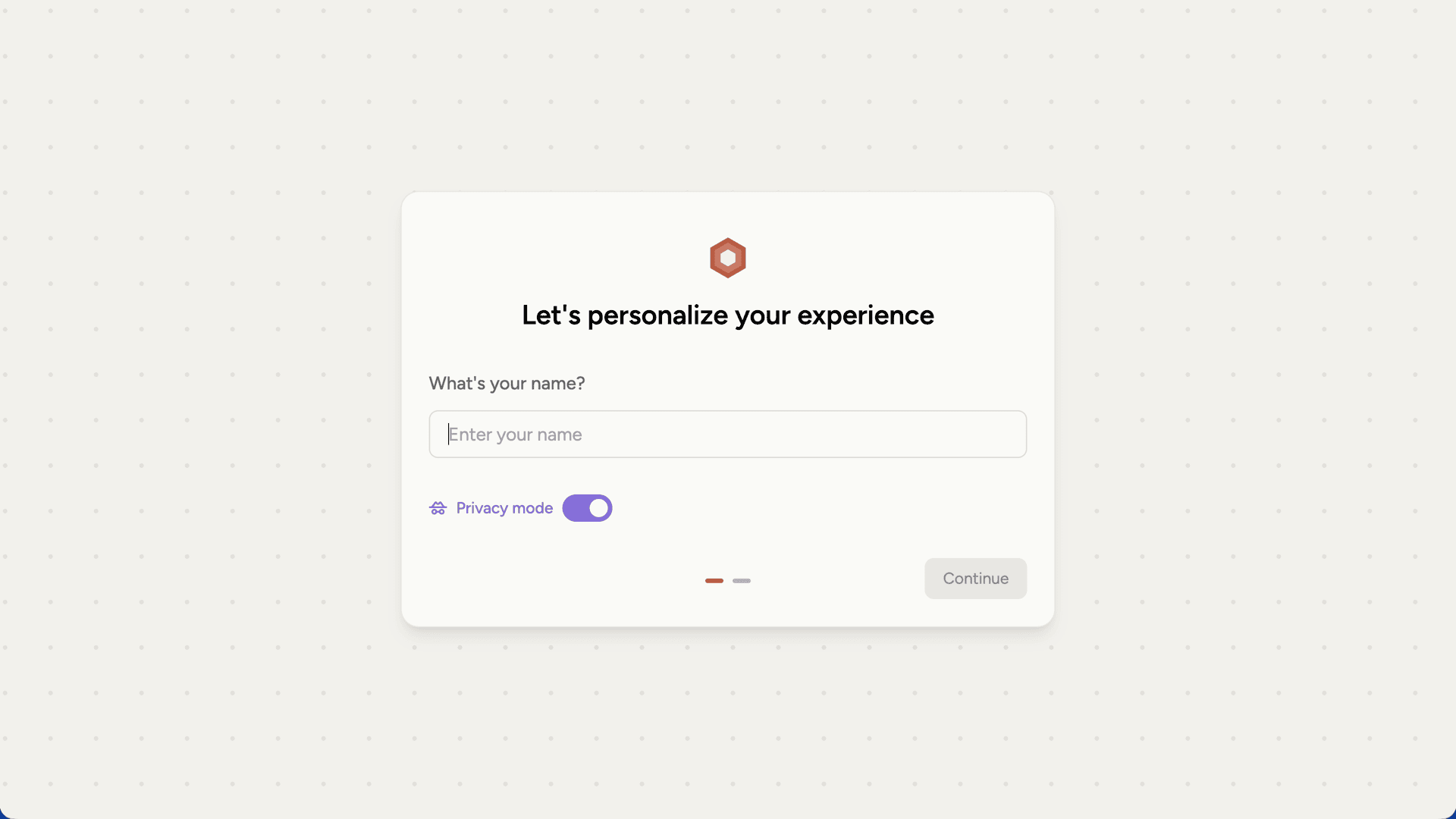
* **During signup** on the onboarding screen
* **On the dashboard**
* **In [settings](/settings)** under Data preferences
During onboarding, you'll see a toggle to enable privacy mode before you start:
 You can also toggle it anytime from Settings under Data preferences:
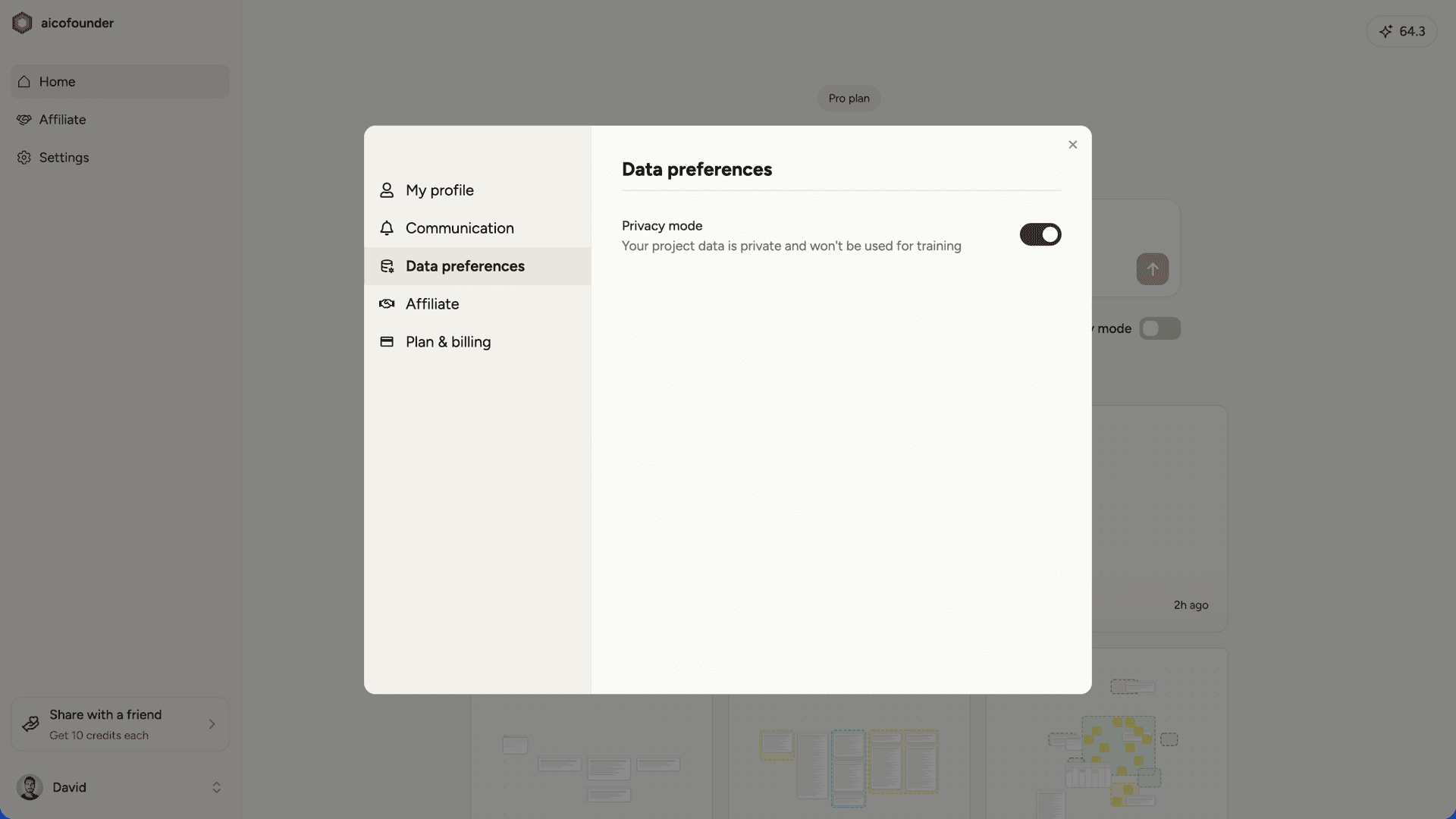 Changes take effect immediately.
## Security
Security follows industry best practices. All data is encrypted in transit and at rest, and infrastructure access requires hardware key authentication.
Changes take effect immediately.
## Security
Security follows industry best practices. All data is encrypted in transit and at rest, and infrastructure access requires hardware key authentication.