Exporting the canvas
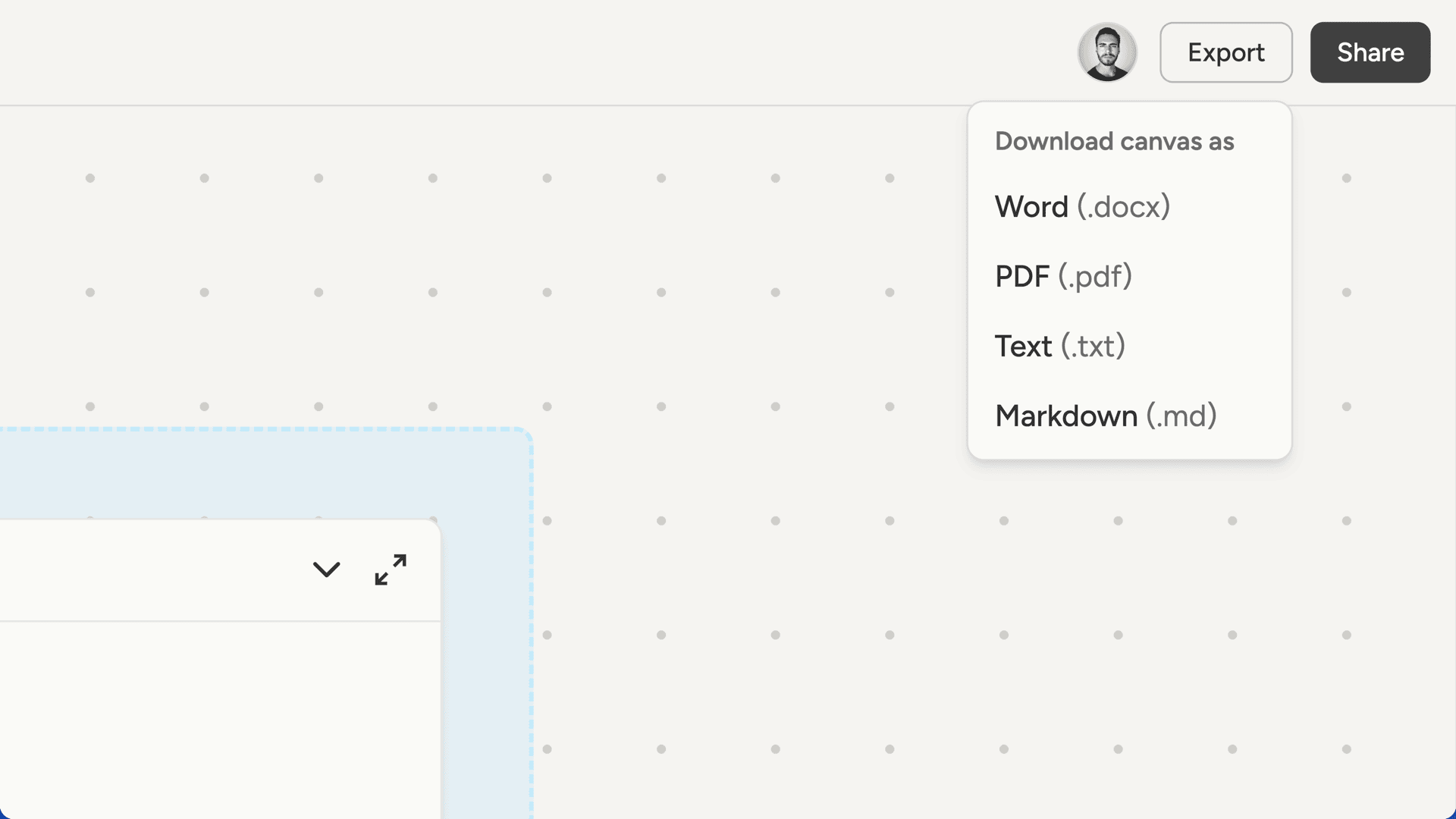
To download everything at once, click the Export button in the topbar. Choose a format and you’ll get a ZIP file containing:/documents/- all your documents/notes/- all your notes/websites/- each website in its own folder/content-calendar/- all your scheduled posts
Exporting documents
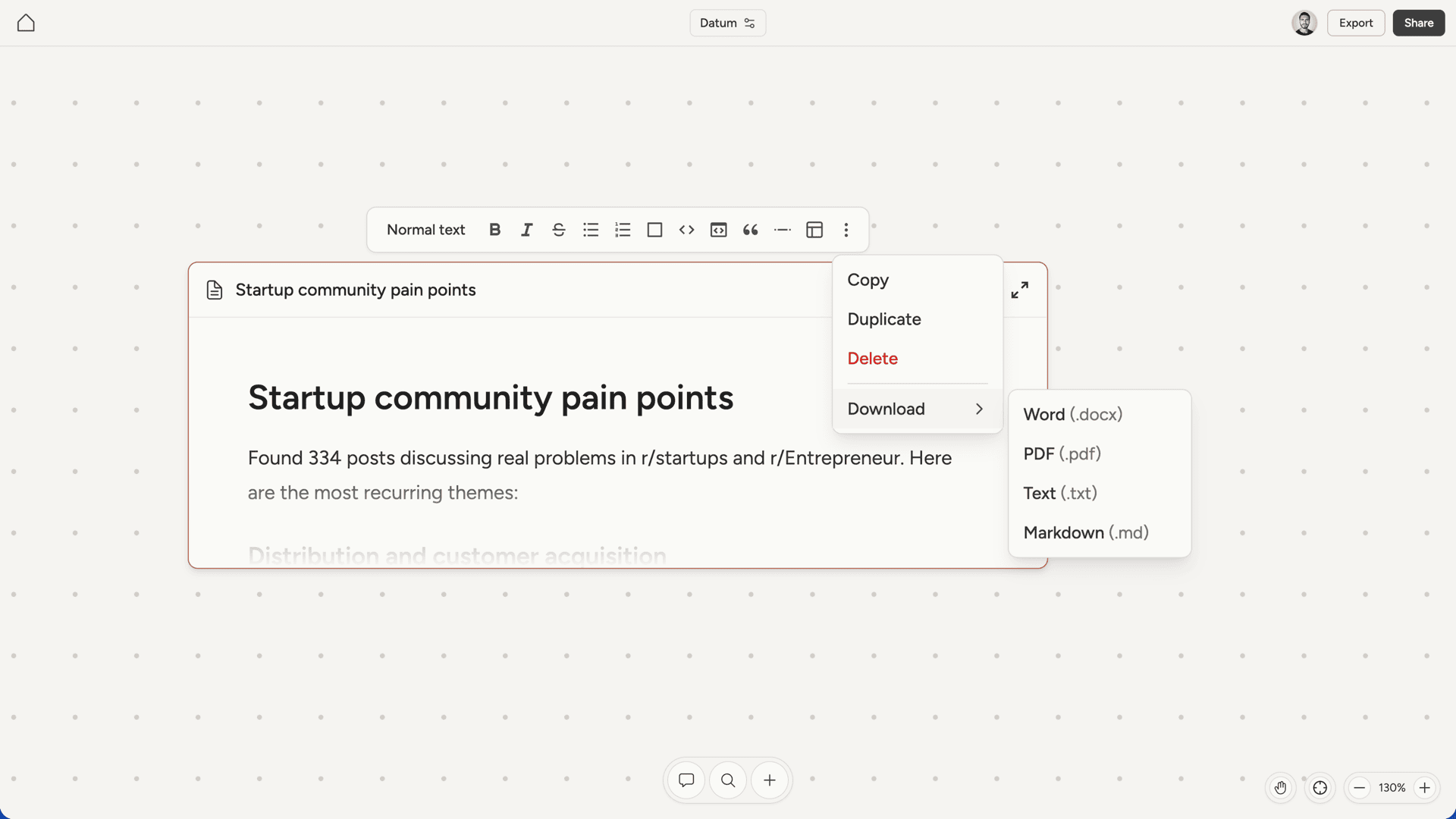
To export a single document, open it in fullscreen and click the menu icon in the top right. Select Download and choose a format:- Word (.docx) - for editing in Microsoft Word or Google Docs
- PDF - for sharing or printing
- Text (.txt) - plain text without formatting
- Markdown (.md) - preserves formatting for use in other tools