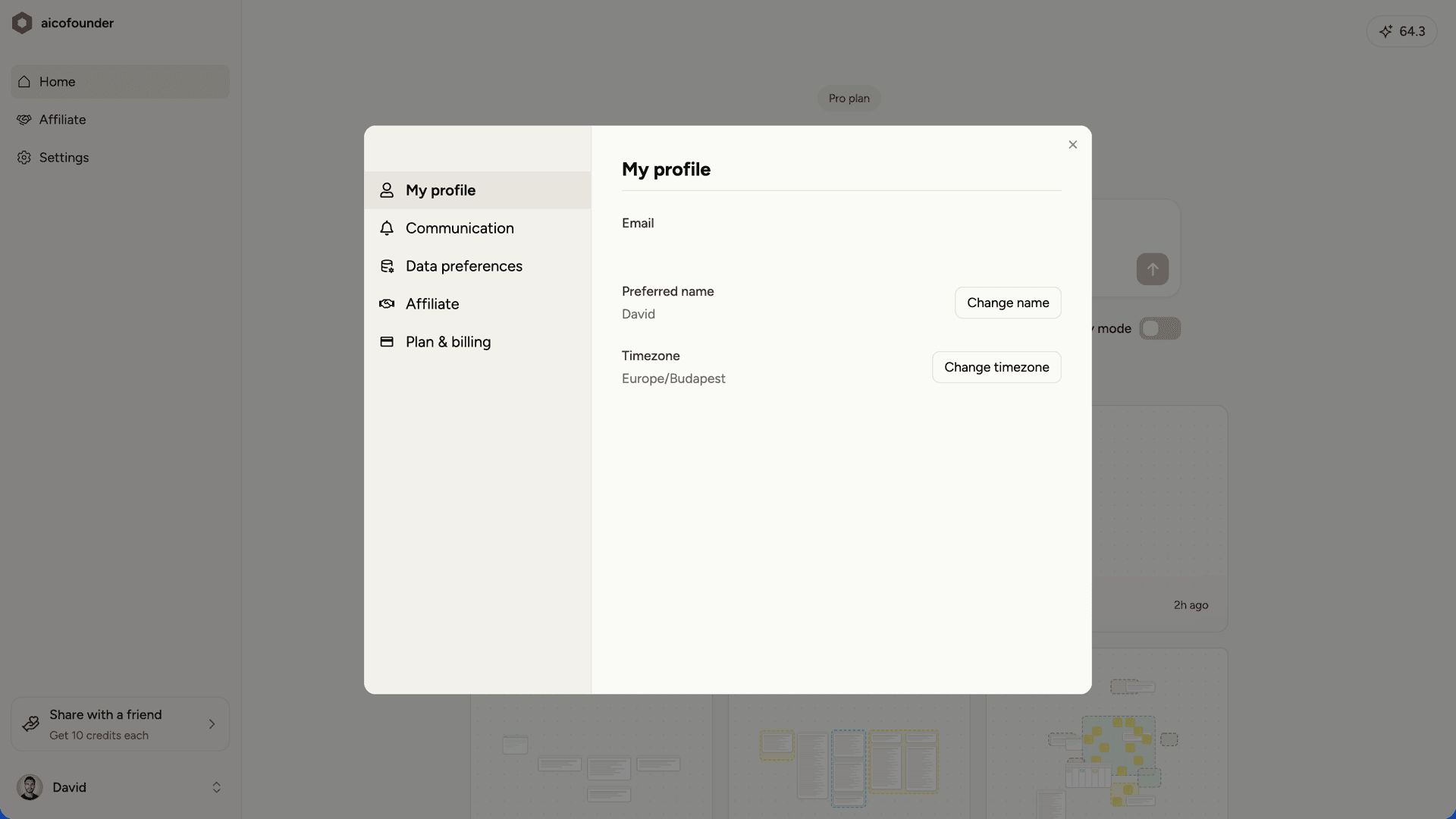
Settings is where you manage your profile, email preferences, data preferences, and billing. To open settings, click Settings in the dashboard sidebar. Settings profile tab with email, name, and timezone fields

My profile

Update your account details:
  • Email - Your login email address
  • Preferred name - Displayed on the dashboard
  • Password - Your login password
  • Timezone - Used for scheduling and timestamps

Communication

Control which emails you receive:
  • Onboarding emails - Tips and guidance to help you get started
  • Weekly newsletter - Weekly insights and founder stories
  • Announcements - Product updates and new features
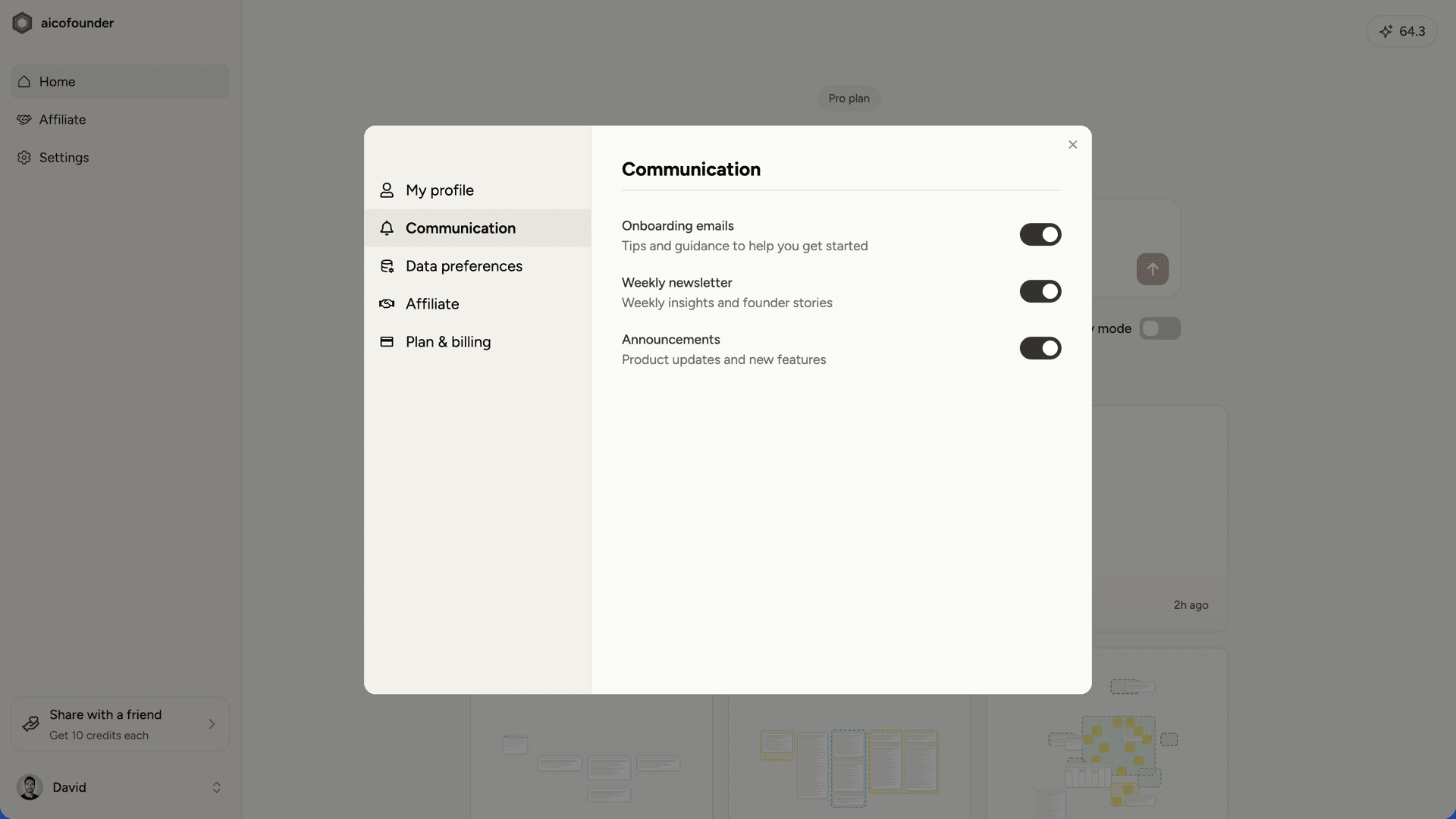
Each preference can be toggled on or off independently. Communication tab showing email preference toggles

Data preferences

Enable or disable privacy mode. When privacy mode is on, your project data is not reviewed internally. See Privacy mode for details.

Affiliate

Join the affiliate program to earn 20% commission for the first 6 months on customers you refer.

Plan & billing

View your current plan and upgrade if you want access to more features. Subscribers can click Billing portal to open Stripe, where you can view receipts, update your payment method, and manage your subscription.