
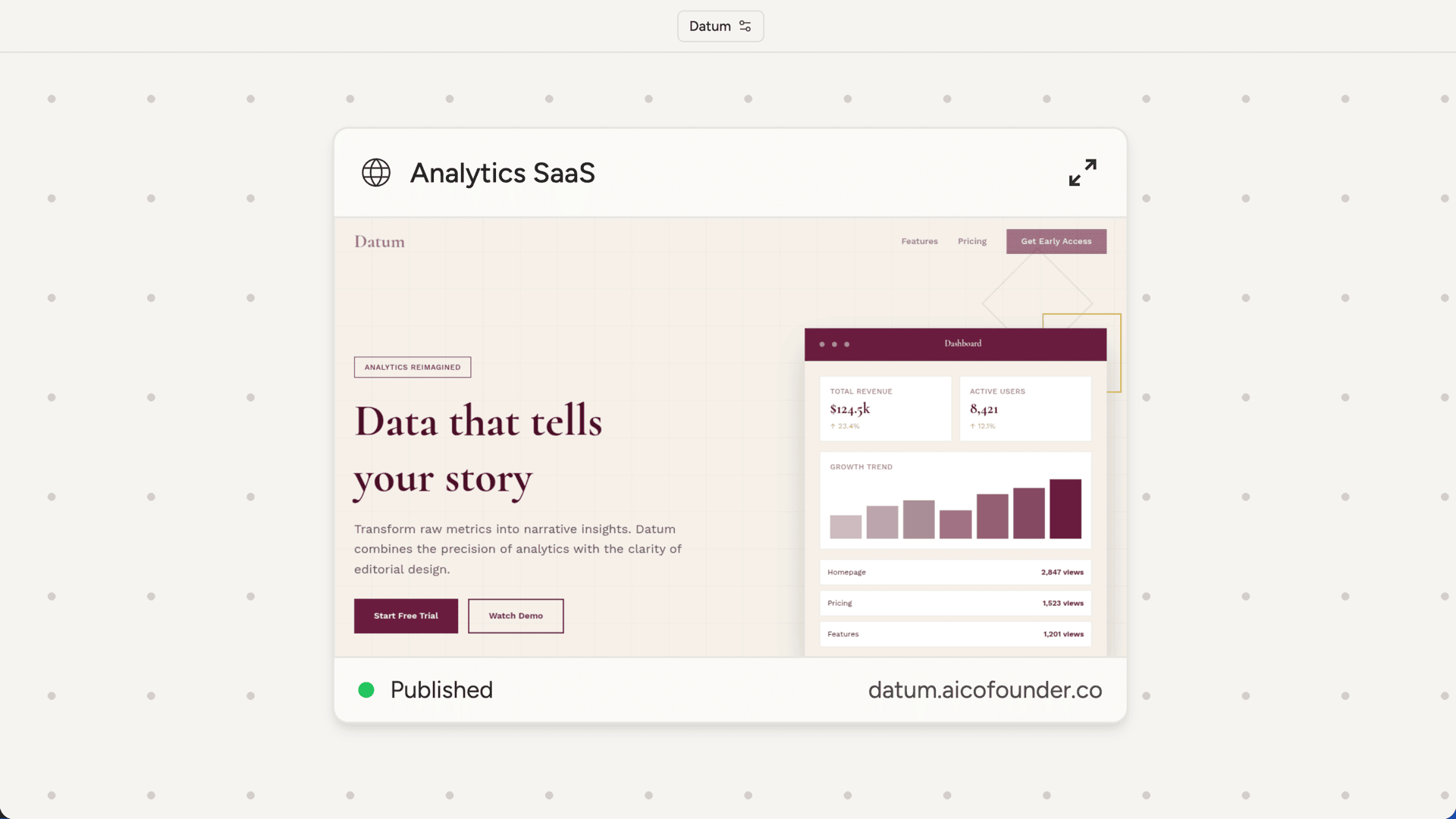
How the AI designs websites
When building a website, your AI cofounder aims for distinctive, production-grade design rather than generic templates. Each site gets a specific aesthetic direction based on what you’re building and who it’s for. Typography, color, layout, and motion are all considered to create something memorable rather than cookie-cutter. If you have specific design preferences, share them. Reference sites you like, describe the feel you’re going for, or provide brand colors. The more context you give, the better the result.The website builder
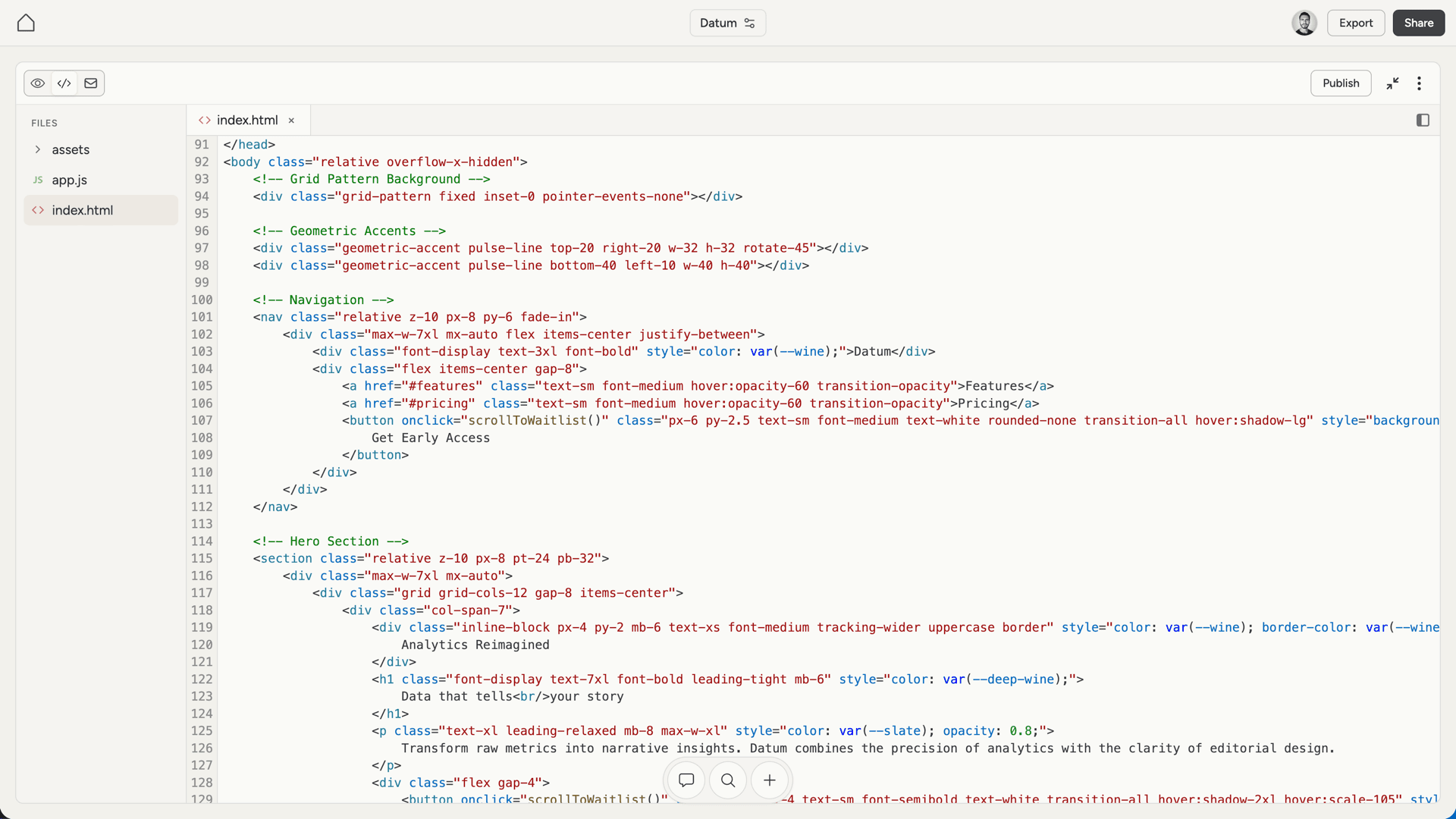
The fullscreen website builder has three views, accessible from the toggle in the top left. Preview shows a live rendering of your website. Use the URL bar to navigate between pages. Links within the preview work, so you can click through the site as a visitor would.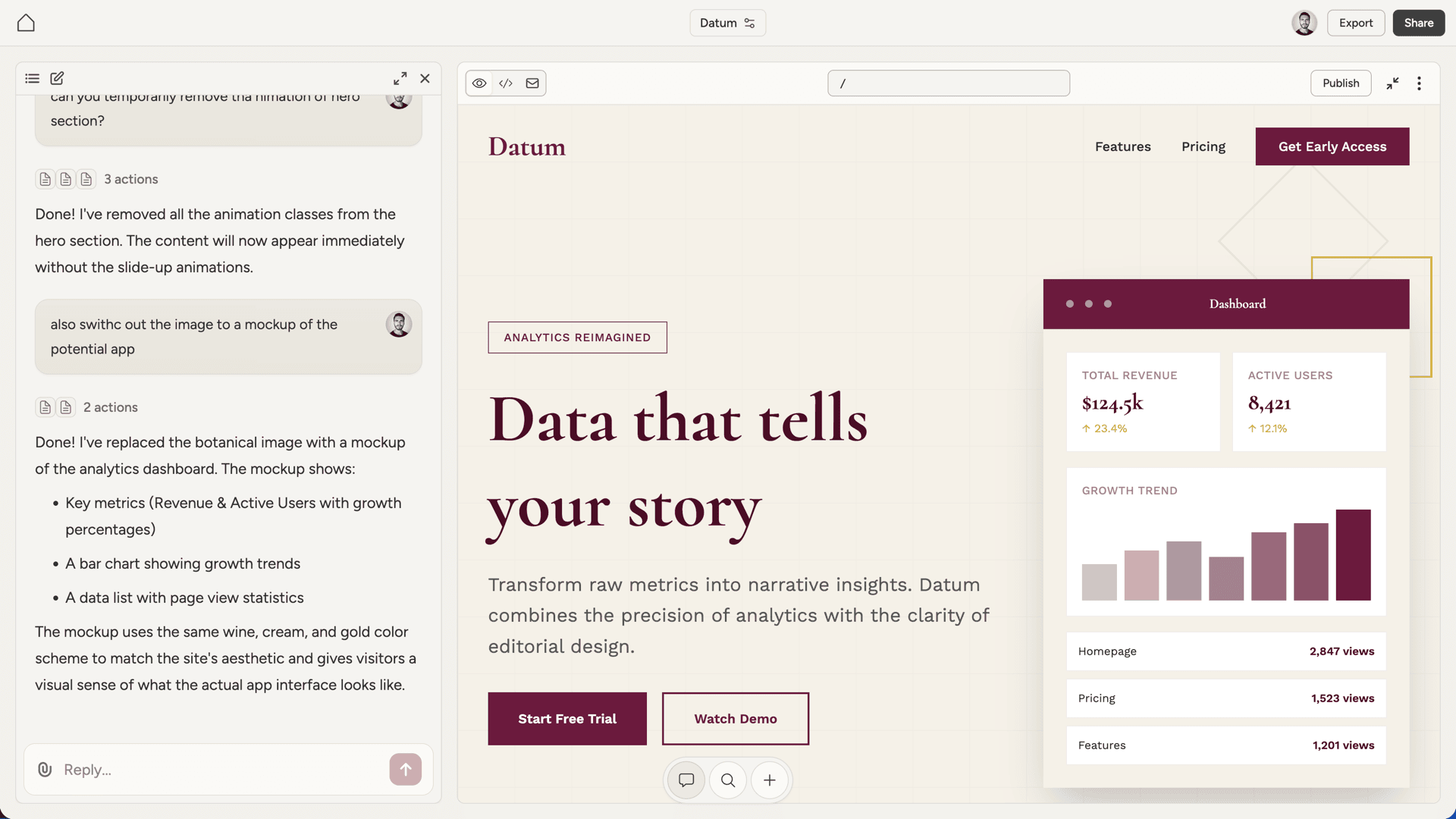
Providing images and assets
When you need specific images or videos in your website, provide them to your AI cofounder. You can share URLs or upload files directly to the chat. The AI will incorporate them into the site. For placeholder situations, the AI uses CSS backgrounds, gradients, or patterns until you provide the real assets.Email capture
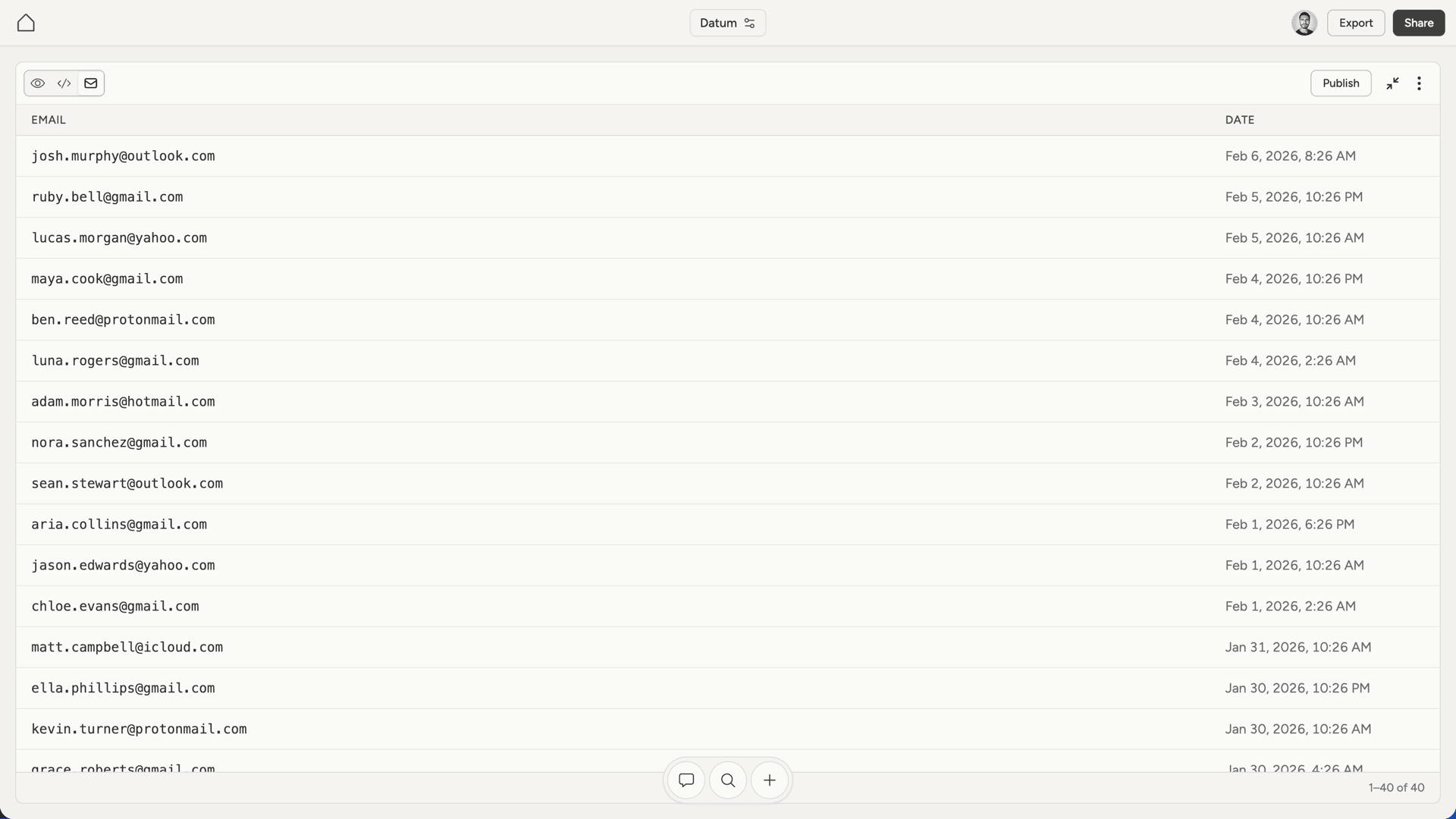
Websites have a built-in email capture system. When your AI cofounder builds a signup form, it connects to an endpoint that stores submissions automatically. Captured emails appear in the Emails view of the website builder. You can see when each email was submitted and export the full list as a CSV file. Note that email capture only works on the published website, not in the preview. This is due to browser security restrictions.Downloading
From the website menu, you can download:- Website (.zip) - all the code files, ready to host elsewhere if needed
- Emails (.csv) - the list of captured email addresses