
Platforms
The content calendar supports four platforms:- LinkedIn - professional posts for business networking
- X - concise posts optimized for engagement
- Reddit - community-focused posts for relevant subreddits
- Email - newsletters and updates for your subscriber list
The calendar view
The calendar shows a week at a time, with days running Sunday through Saturday. Each day displays any posts scheduled for that date, showing the platform icon and a preview of the content.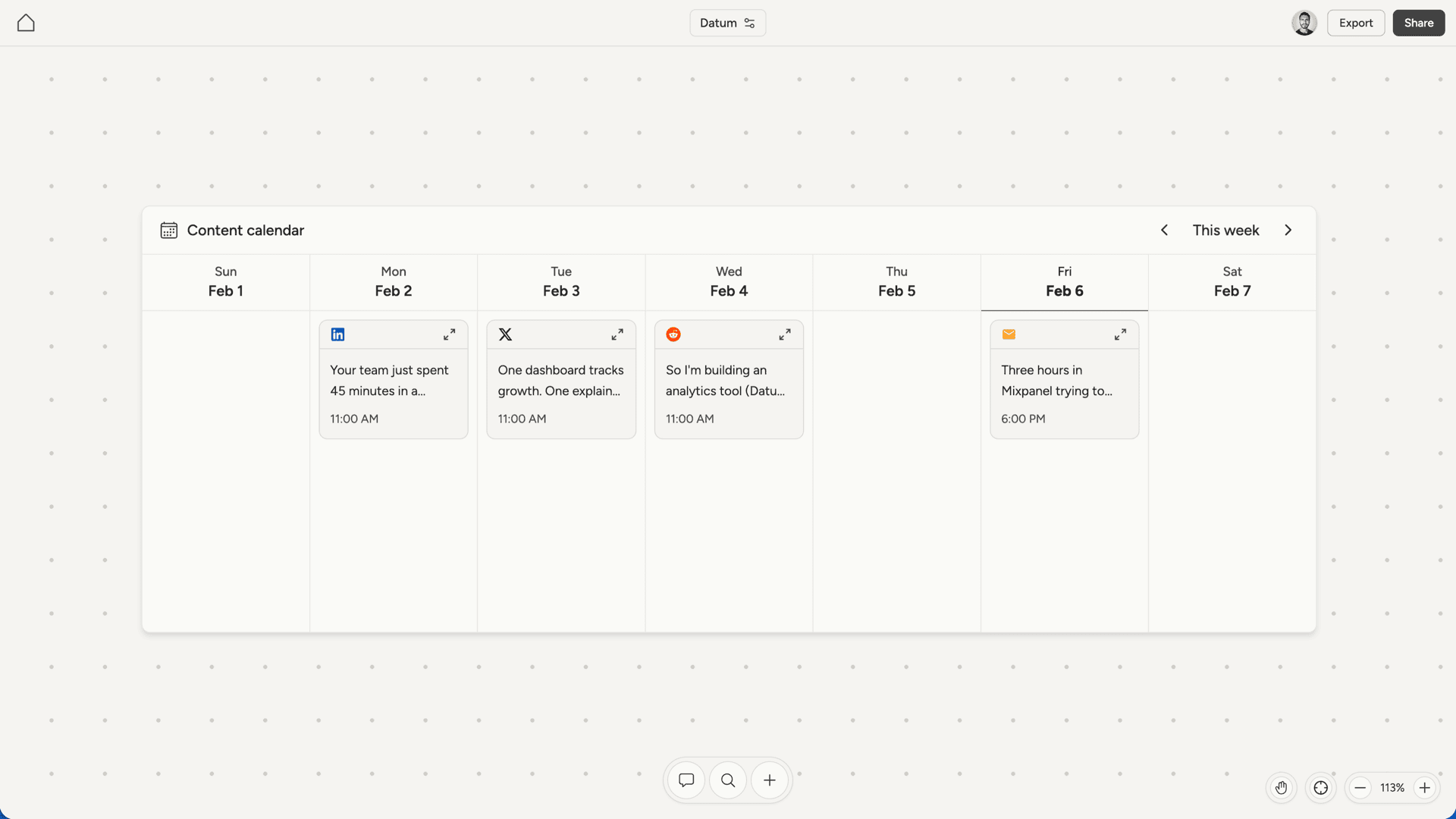
Creating content
When you discuss content strategy with your AI cofounder, it creates posts tailored to your project and audience. The AI considers:- What you’re building and who it’s for
- The platform’s conventions and audience expectations
- Your brand voice and messaging
- Current phase of your project (launch, growth, etc.)
Viewing and editing posts
Click any post in the calendar to open the fullscreen view. This shows a realistic preview of how your post will look on its platform, complete with your profile info and formatting.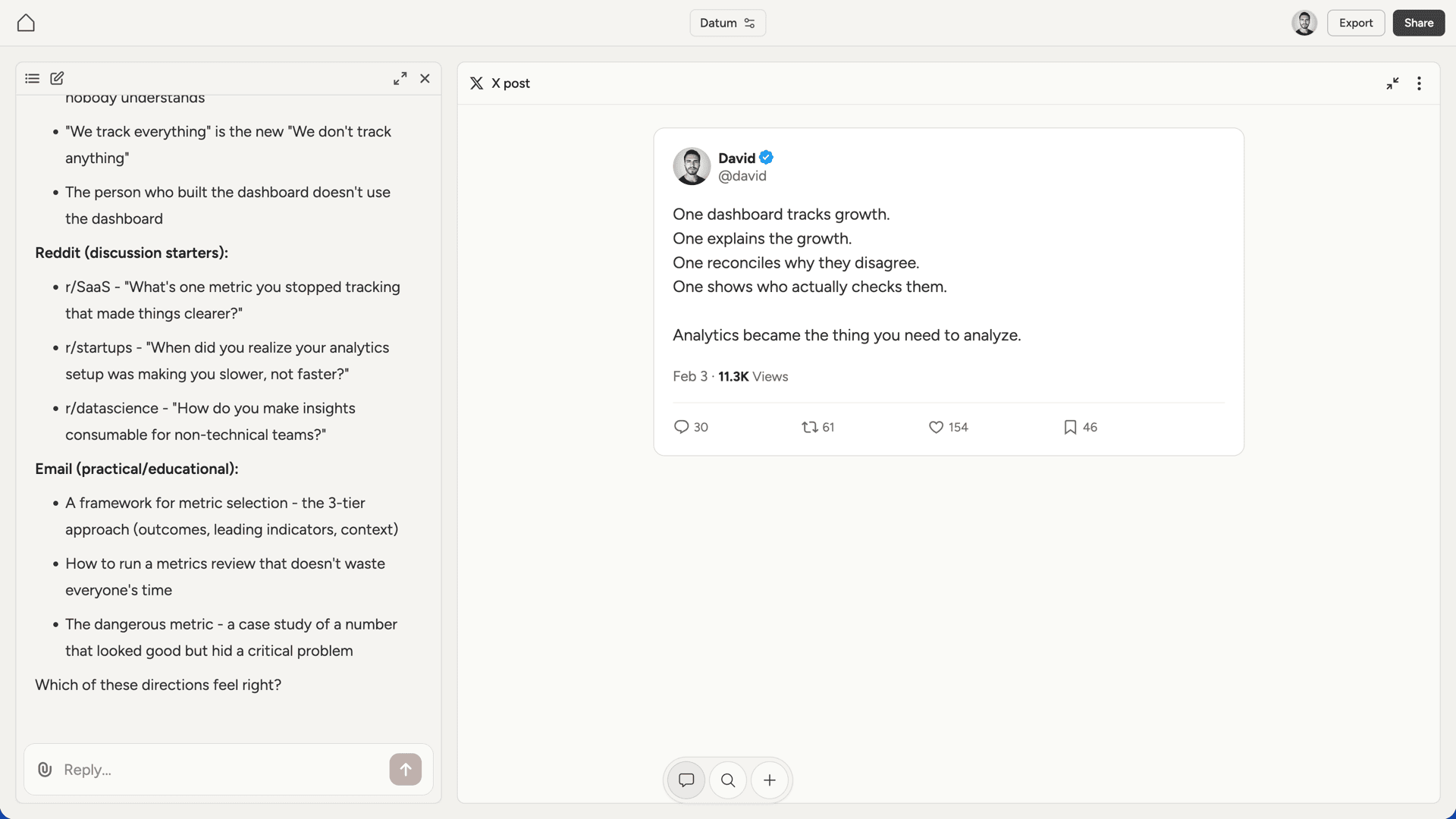
Publishing
Posts are not published automatically. The content calendar is for planning and drafting. When you’re ready to publish:- Open the post in fullscreen view
- Copy the content
- Paste it into the actual platform (LinkedIn, X, Reddit, or your email tool)
Downloading
From the fullscreen post view, you can download content in several formats:- Word (.docx) - for editing in Microsoft Word or Google Docs
- PDF - for sharing or archiving
- Text (.txt) - plain text for easy copying
- Markdown (.md) - for use in other tools