
What documents capture
Documents cover everything substantive about your product. Some examples:- Product overview - what you’re building, who it’s for, what problem it solves
- Feature specs - how specific features work, user flows, edge cases
- Competitor analysis - who else is in the space, how they compare, gaps in the market
- Research findings - market insights, user needs, industry trends
- Branding - colors, typography, tone of voice
- Regulations - permits, compliance requirements, legal considerations
- Sourcing and manufacturing - suppliers, costs, minimum order quantities
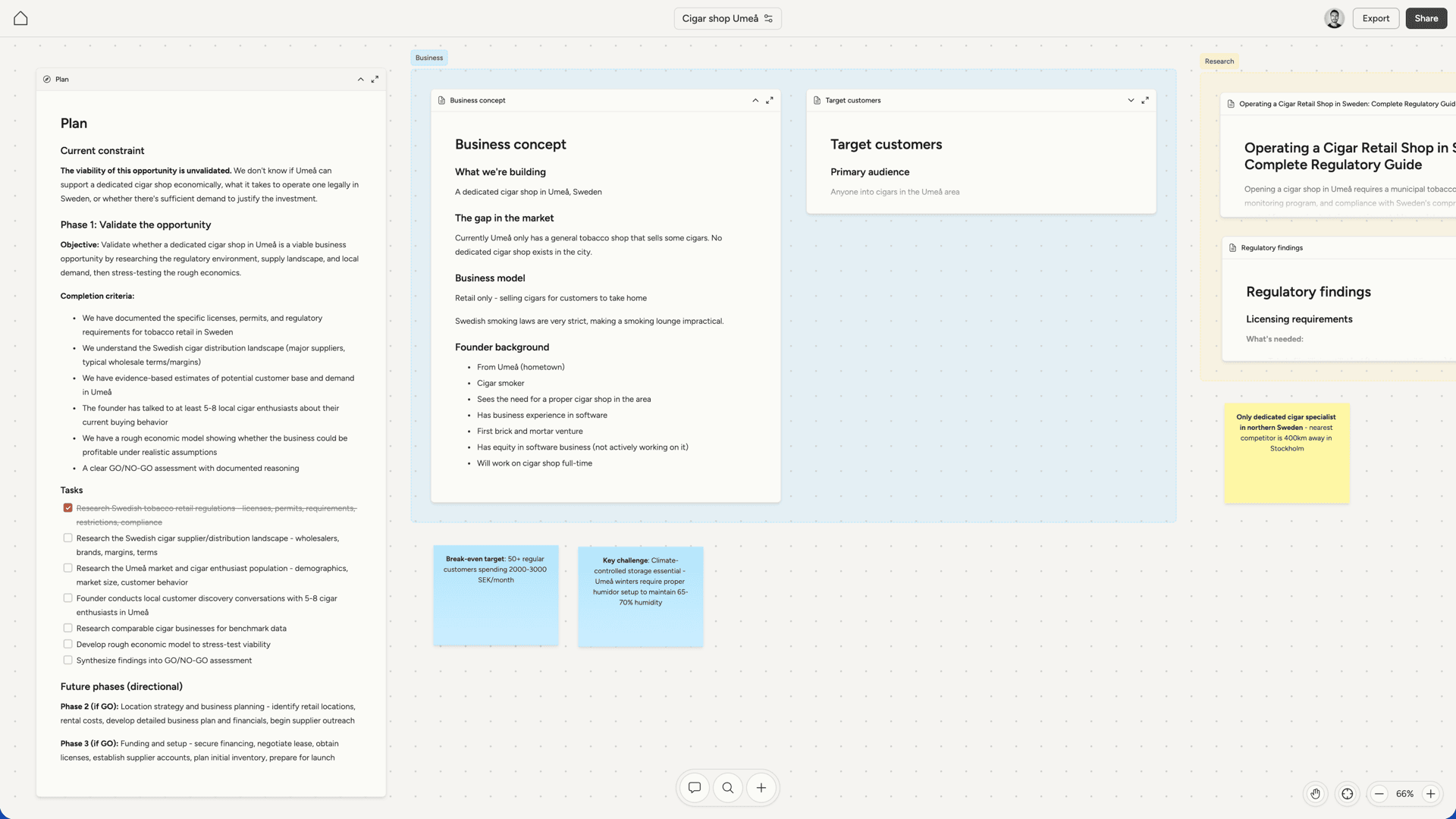
Editing documents
Click a document once to select it, which reveals the toolbar. Click again to start editing. The toolbar gives you access to formatting options:- Text styles - normal text and four heading levels
- Basic formatting - bold, italic, strikethrough
- Lists - bullet lists, numbered lists, and task lists with checkboxes
- Code - inline code and code blocks
- Other - blockquotes, horizontal rules, tables
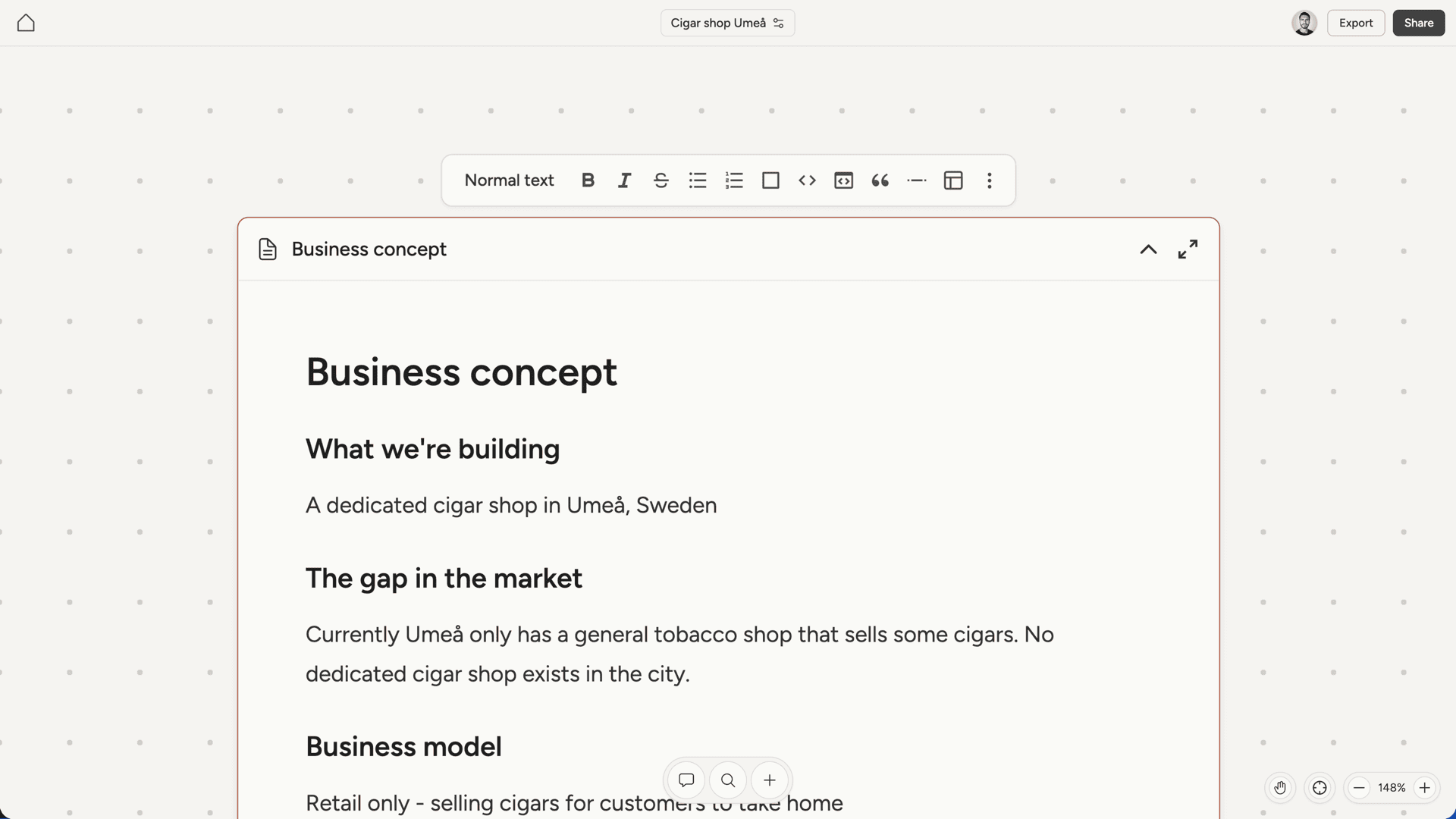
Collapse and fullscreen
Documents can be collapsed to show just a preview, which helps keep the canvas manageable when you have many documents. Click the collapse button in the document header to toggle between collapsed and expanded views. For focused editing, open a document in fullscreen. This gives you a clean, distraction-free view with the full toolbar. Fullscreen is particularly useful for longer documents where you want to concentrate on the content without the rest of the canvas visible.Resizing
Drag the left or right edge of a document to adjust its width. This lets you make documents narrower to fit more on the canvas, or wider for content like tables that benefits from more horizontal space.Research documents
When your AI cofounder completes a research task, the findings are saved as a document on the canvas. Research documents include inline citations that link back to sources.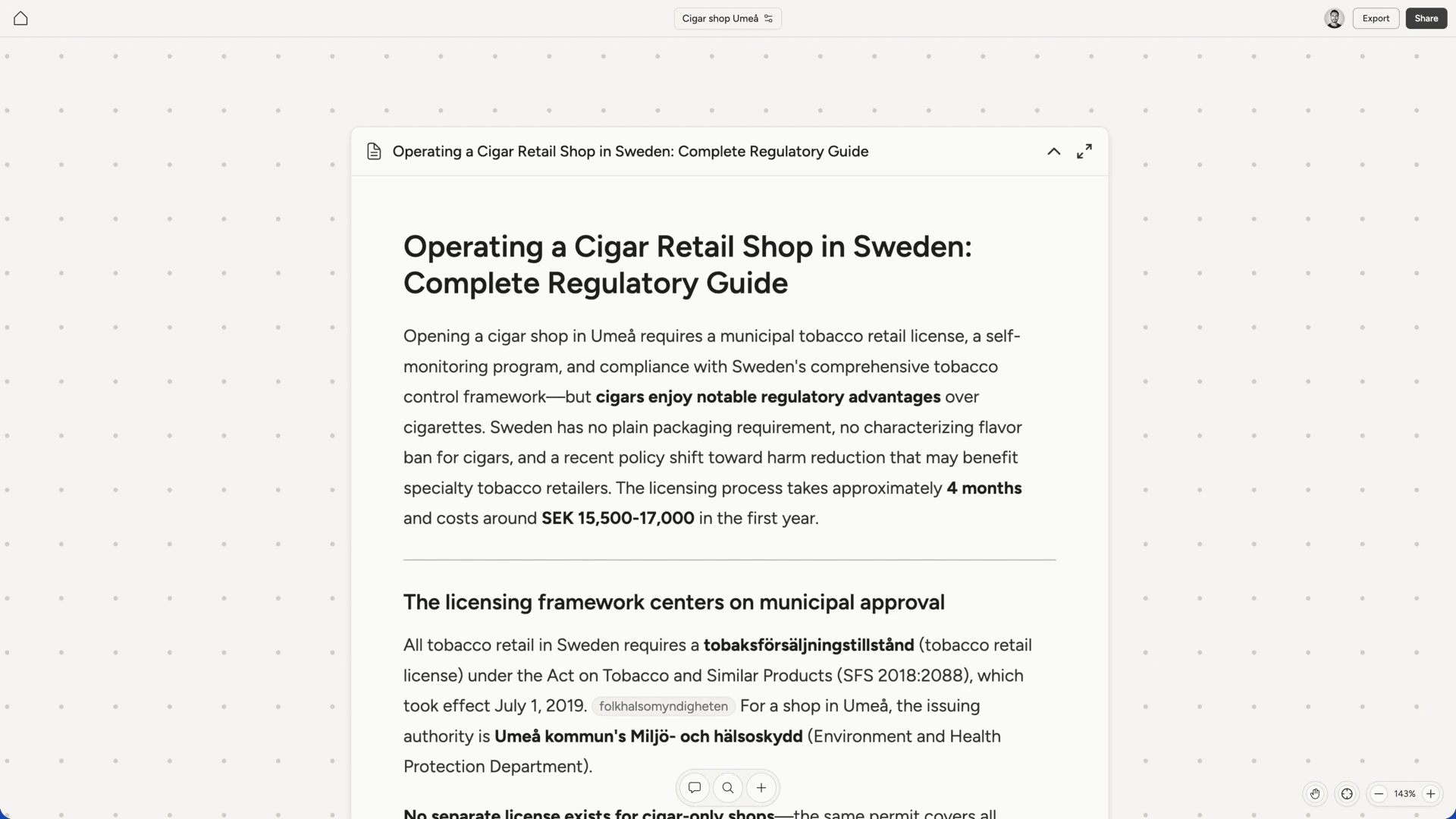
The plan document
The plan is a special document that serves as your project’s roadmap. It captures the current constraint blocking progress, the active phase to overcome it, and sketches of future phases. The plan uses task lists to track what needs to happen: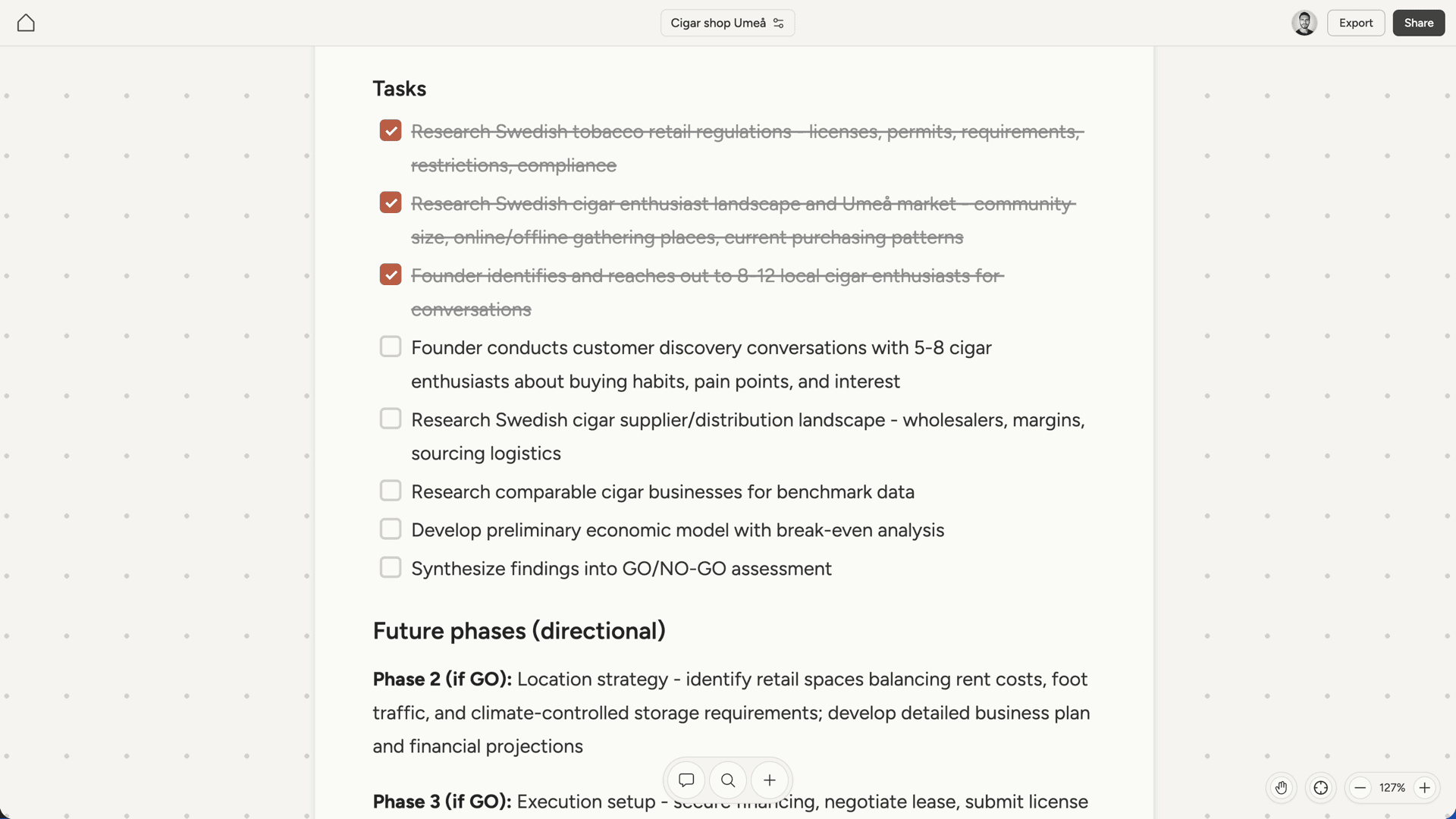
How the AI works with documents
Your AI cofounder treats the canvas as the project’s source of truth. As you discuss ideas and make decisions in chat, confirmed information gets written to documents. Documents aren’t static. As your understanding of the market shifts or early assumptions get invalidated, your AI cofounder updates what’s on the canvas to match. Outdated information gets removed or revised so documents always reflect the current state of thinking. The approach favors multiple focused documents over consolidating into fewer long ones. A document on competitor pricing, a document on your target user, a document on technical requirements. This keeps information organized and easy to find.Downloading
Export any document in the format you need:- Word (.docx) - for sharing with others or further editing
- PDF - for polished, shareable versions
- Text (.txt) - plain text without formatting
- Markdown (.md) - preserves formatting in markdown syntax