What privacy mode does
With privacy mode enabled, your data is not reviewed by staff except when investigating policy violations. Your chats, documents, notes, websites, and canvas contents remain private during normal operation. Privacy mode applies at the account level and covers all your projects.How our AI providers handle your data
Your conversations are processed by third-party AI providers to generate responses. These providers operate under API terms that differ from their consumer products:- No training on API data. Industry-standard API agreements specify that inputs and outputs are not used for model training.
- Limited retention. Data is typically retained for approximately 30 days for trust and safety purposes, then deleted.
- No human review. API data is not reviewed by provider staff except when investigating policy violations.
Enabling privacy mode
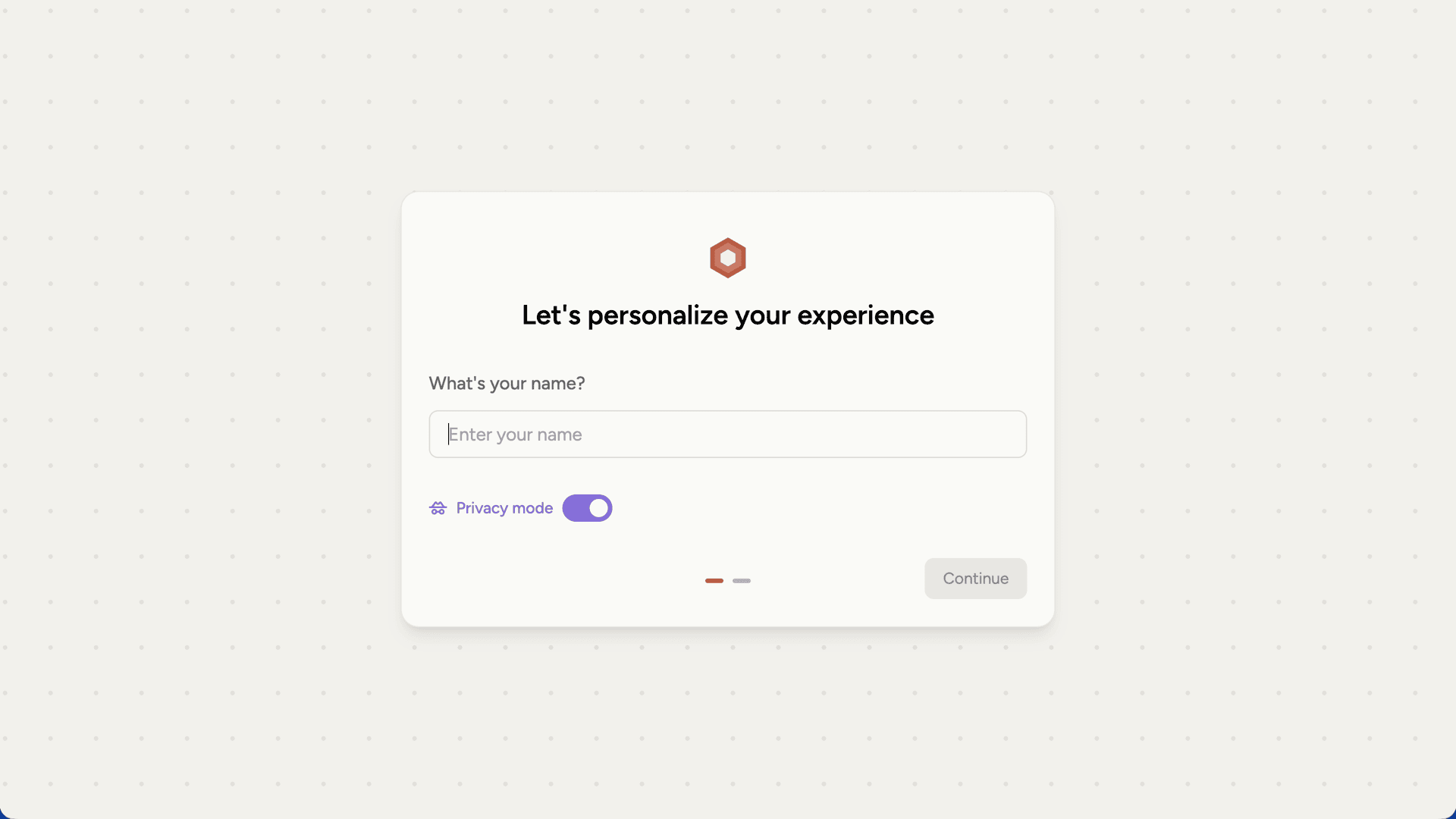
You can enable privacy mode in several places:- During signup on the onboarding screen
- On the dashboard
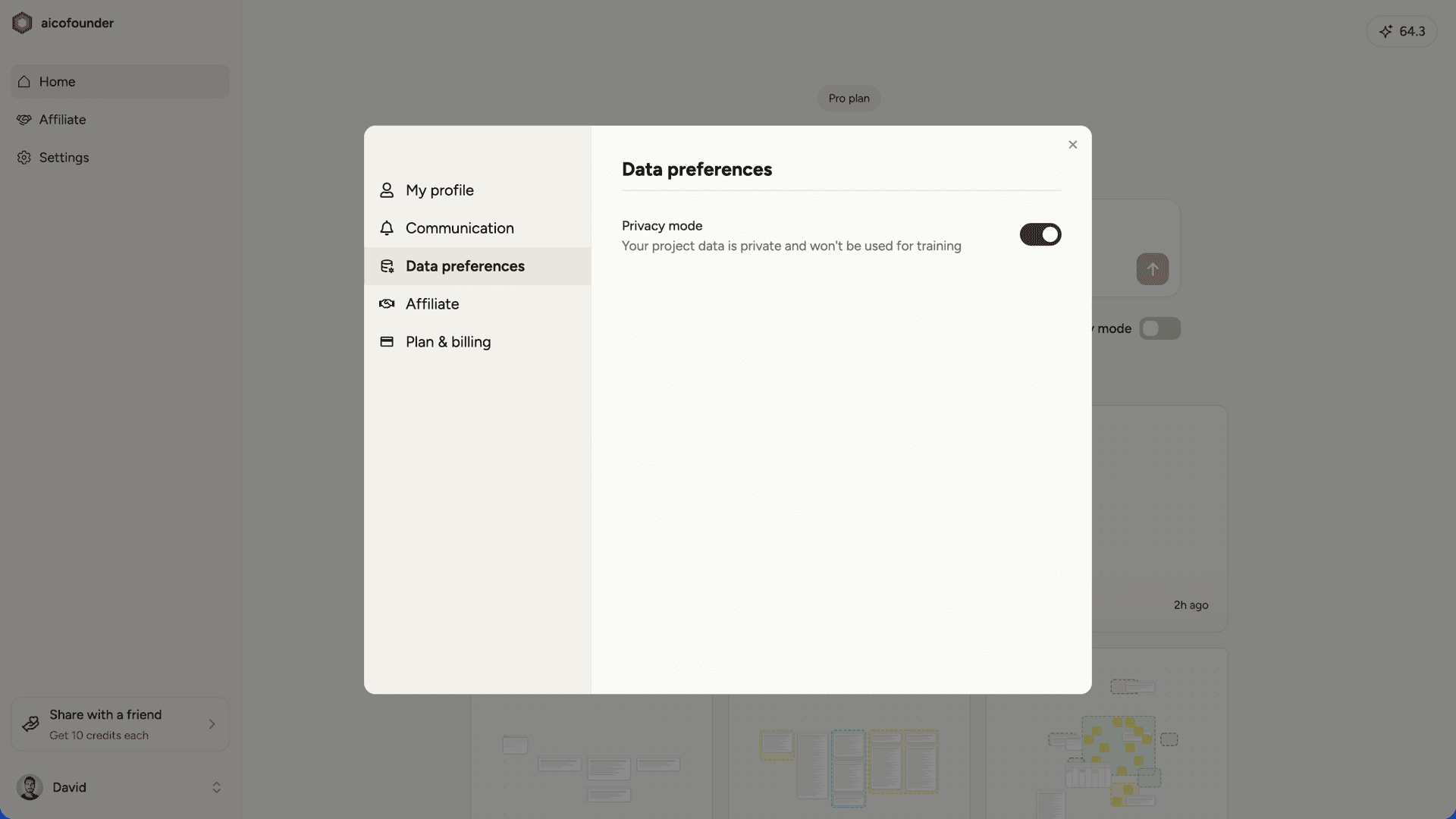
- In settings under Data preferences