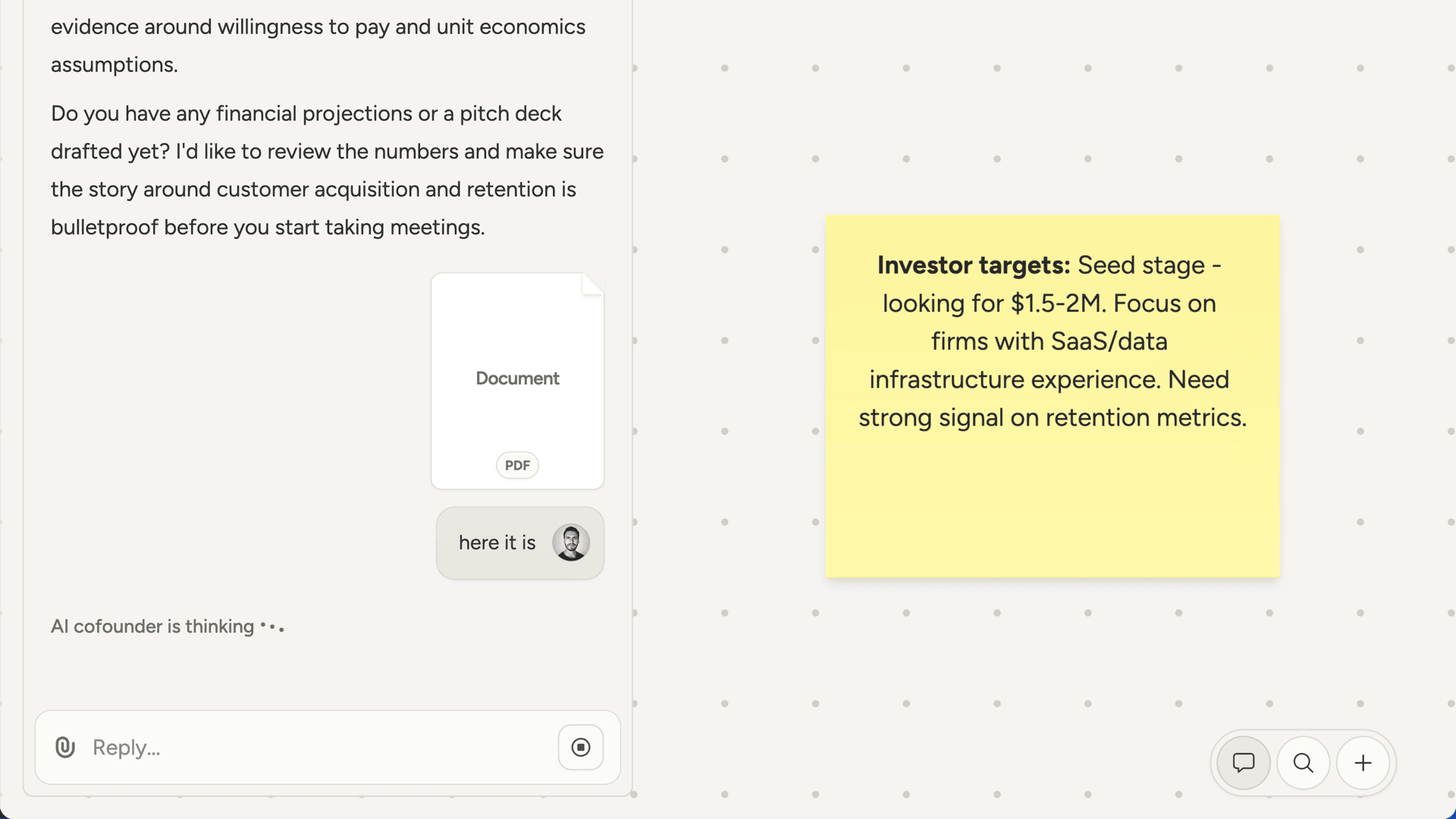
What to expect
Your AI cofounder acts more like a thinking partner than an assistant. It will:- Lead the conversation. Rather than waiting for you to direct it, the AI drives things forward. It asks questions to understand your situation, proposes approaches, and suggests what to work on next.
- Challenge your assumptions. If something seems off or needs verification, the AI will push back or suggest researching further. This isn’t disagreement for its own sake. It’s making sure decisions are grounded in reality.
- Research when facts are needed. When you reach the limits of what can be reasoned through, the AI shifts from theorizing to investigating. It uses web search and research to find answers rather than guessing.
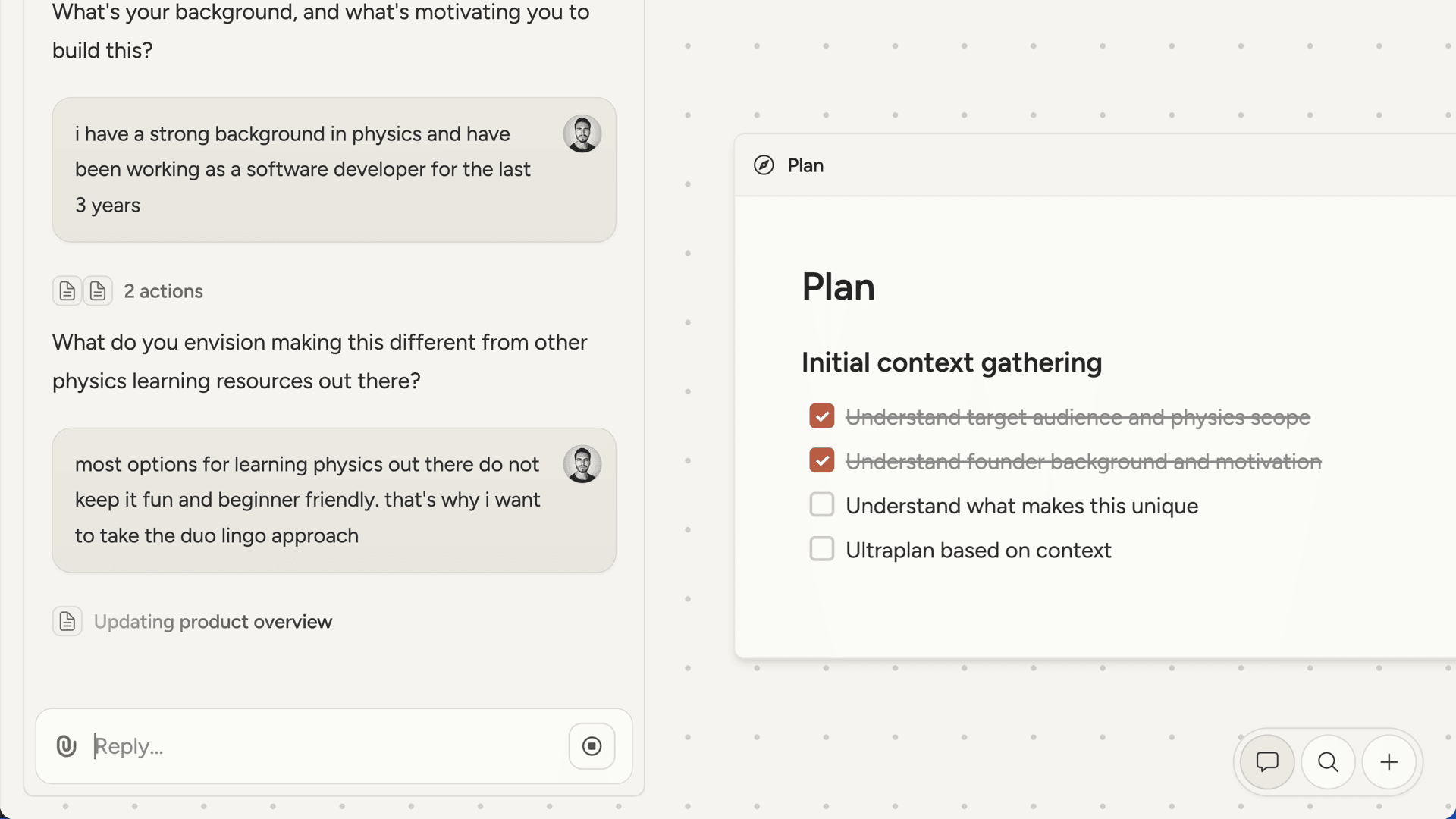
- Explain what it’s doing. As the AI works, you’ll see status updates showing what’s happening. When it finishes a task or research, it explains the findings and what they mean for decisions ahead.
Working together effectively
This is a collaboration, not a command-and-response interface. A few things that help: Engage in dialogue. The AI will ask questions and make suggestions. Respond with your thoughts, push back if you disagree, and add context it might not have. The best outcomes come from genuine back-and-forth. Share what you know. You have information the AI doesn’t: your experiences, your customers, your constraints. When the AI asks about your situation, the more context you provide, the better it can help. Let it challenge you. When the AI questions an assumption or suggests a different direction, consider it seriously. It’s trying to help you avoid blind spots, not undermine your ideas.Multiple chats
Each project can have multiple chat threads. All chats in a project share the same canvas, so you can start a new conversation without losing context. This is useful for separating different workstreams or topics. You might have one chat focused on product decisions and another on marketing strategy, both building on the same canvas. Switch between chats using the list icon in the chat header. Start a new chat with the pencil icon.Attachments
You can attach files to your messages for the AI to analyze. This is useful for sharing competitor materials, mockups, screenshots, or documents you want to discuss. Supported formats:- Images (JPEG, PNG, GIF, WEBP)
- PDFs