Notes vs documents
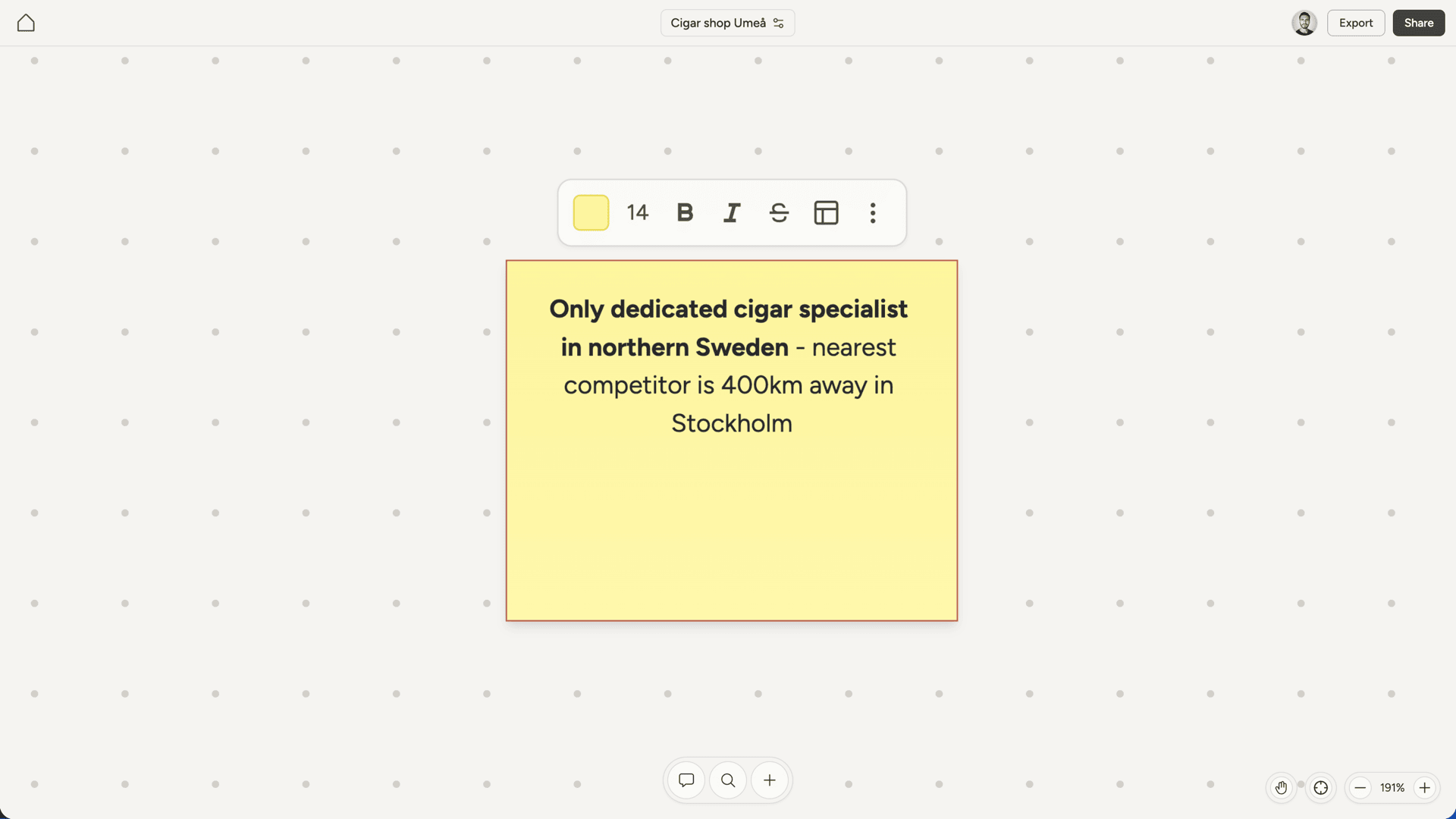
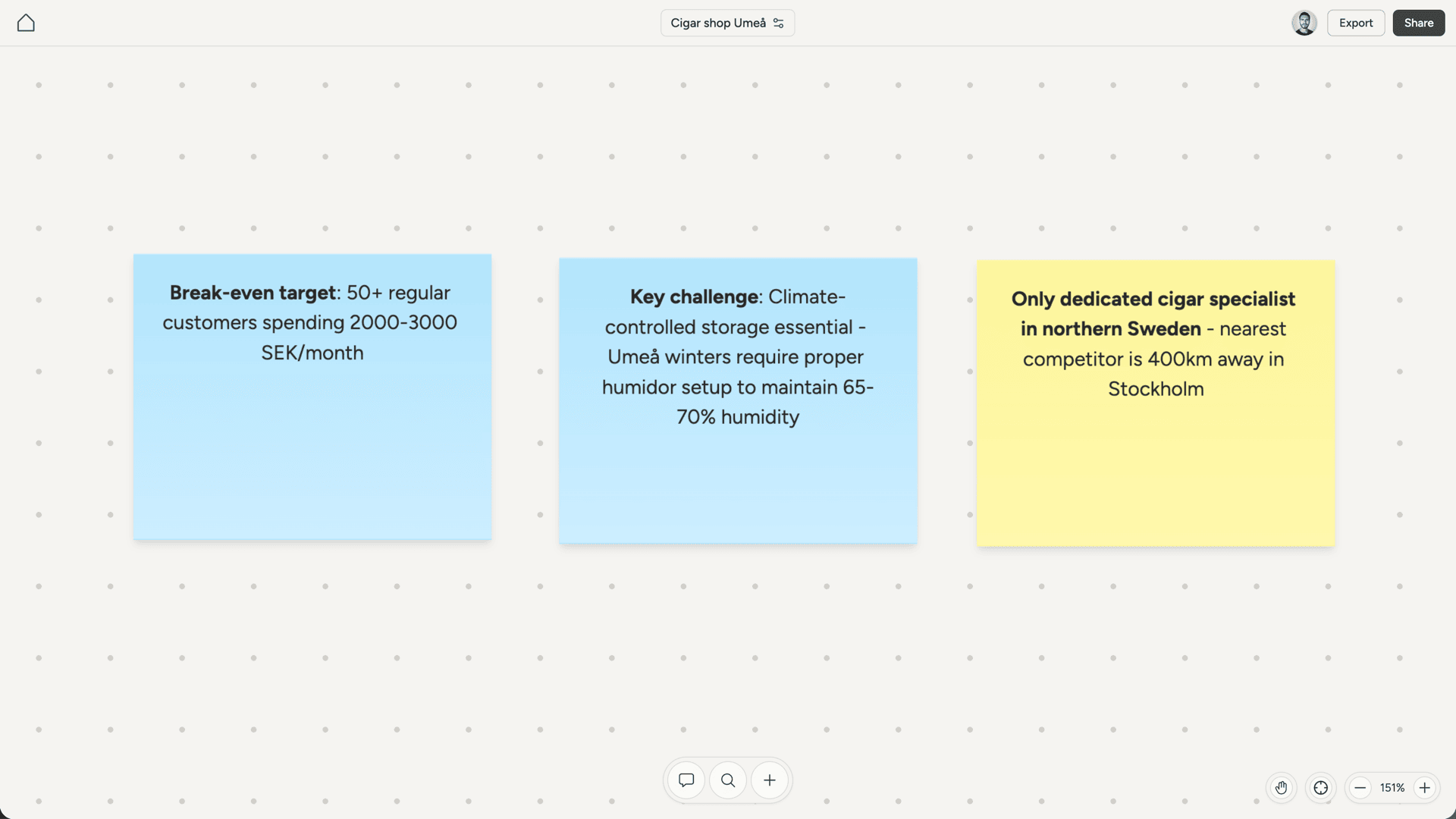
Use notes for brief, self-contained information. A key insight from a conversation, a reminder about something to revisit, a quick reference you want visible on the canvas. Use documents when you need structure, length, or rich formatting. Product specs, research findings, competitor analysis, feature descriptions. Documents support headings, lists, task lists, code blocks, and more. If you’re unsure, lean toward documents. Notes are best when brevity is the point.Colors
Notes come in six colors: yellow, green, peach, pink, blue, and purple. Yellow is the default. Click a note to select it, then use the color picker in the toolbar to change its color. Colors are purely visual, so use them however makes sense for your project. You might color-code by topic, by status, or just by preference.Formatting
Notes support basic text formatting:- Bold for emphasis
- Italic for softer emphasis
Strikethroughfor crossing things out